



Description
Download Photobucket Uploader – Fast, Free Photo Upload Tool for Firefox
Overview
Photobucket Uploader is a lightweight Firefox add‑on that streamlines the process of sending images to your Photobucket account. While the core Photobucket website is known for its noisy layout and intrusive advertising, this extension removes the need to navigate away from the page you’re already viewing. Once the add‑on is installed, a simple right‑click on any image in the browser reveals an “Upload to Photobucket” option. Selecting that command instantly pushes the picture to your online album, opens a small toolbar with quick links to view the uploaded file, and even provides a shortcut to the album organizer for further management.
The primary audience for Photobucket Uploader consists of bloggers, web designers, and anyone who frequently incorporates external images into personal sites or social media posts. By cutting out the extra steps of opening a new tab, logging in, and manually dragging files, the tool saves valuable time and reduces friction in the workflow. Although the extension does not yet support bulk uploads from a local hard drive, its core functionality—uploading images found on the web—is robust and reliable. Users must have an active Photobucket account; the add‑on does not create accounts, but it does store your login credentials securely within Firefox’s built‑in password manager.
From a security perspective, Photobucket Uploader respects the same HTTPS standards that Firefox enforces for all extensions, meaning data transmitted between your browser and Photobucket’s servers is encrypted. The add‑on receives regular updates through Mozilla’s Add‑on Marketplace, ensuring compatibility with the latest Firefox releases and maintaining a baseline of protection against potential vulnerabilities. For anyone who already relies on Photobucket for image hosting, this tool represents a practical, free, and secure way to accelerate the upload process without compromising on privacy.
Key Features
- One‑click upload: Right‑click any image and choose “Upload to Photobucket” to send it instantly.
- Automatic login handling: Uses Firefox’s password manager to store and retrieve your Photobucket credentials safely.
- Instant feedback bar: After upload, a small toolbar appears with direct links to view the image, copy the URL, or open the album organizer.
- Cross‑platform support: Works on any operating system that runs Firefox, including Windows, macOS, Linux, Android, and iOS.
- Lightweight design: The add‑on adds less than 200 KB to the browser, keeping Firefox’s performance unaffected.
- Regular updates: Delivered via Mozilla’s marketplace, ensuring compatibility with the latest Firefox versions and Photobucket API changes.
- Free of charge: No hidden fees, subscription, or premium tier—fully functional for all Photobucket users.
While the feature set is intentionally focused, each element is built with simplicity in mind. The “Instant feedback bar” not only confirms that the upload succeeded, but also provides a convenient “Copy Link” button, eliminating the need to manually locate the image on Photobucket afterward. This is particularly handy for content creators who need to embed image URLs quickly into HTML or markdown. The add‑on’s reliance on Firefox’s built‑in password manager means you never have to type your username and password again, reducing the risk of credential leakage through keyloggers or insecure storage methods.
The cross‑platform nature of the extension is a subtle yet powerful advantage. Because Firefox is available on virtually every desktop and mobile operating system, you can enjoy the same streamlined upload experience whether you’re drafting a blog post on a Windows PC, tweaking a site on a macOS laptop, or even managing images on an Android tablet. The lightweight footprint also means that even users on older hardware or limited bandwidth connections will not notice any slowdown, making Photobucket Uploader an ideal choice for both power users and casual browsers alike.
Installation, Setup & Usage Guide
Installing Photobucket Uploader is a straightforward process that can be completed in under two minutes. First, open Firefox and navigate to the Mozilla Add‑on Marketplace. Search for “Photobucket Uploader” or follow a direct link from the developer’s site. Click the “Add to Firefox” button, then confirm the permission request that appears. The add‑on will automatically download, install, and appear as a small icon in the toolbar. No reboot or additional configuration is required at this stage.
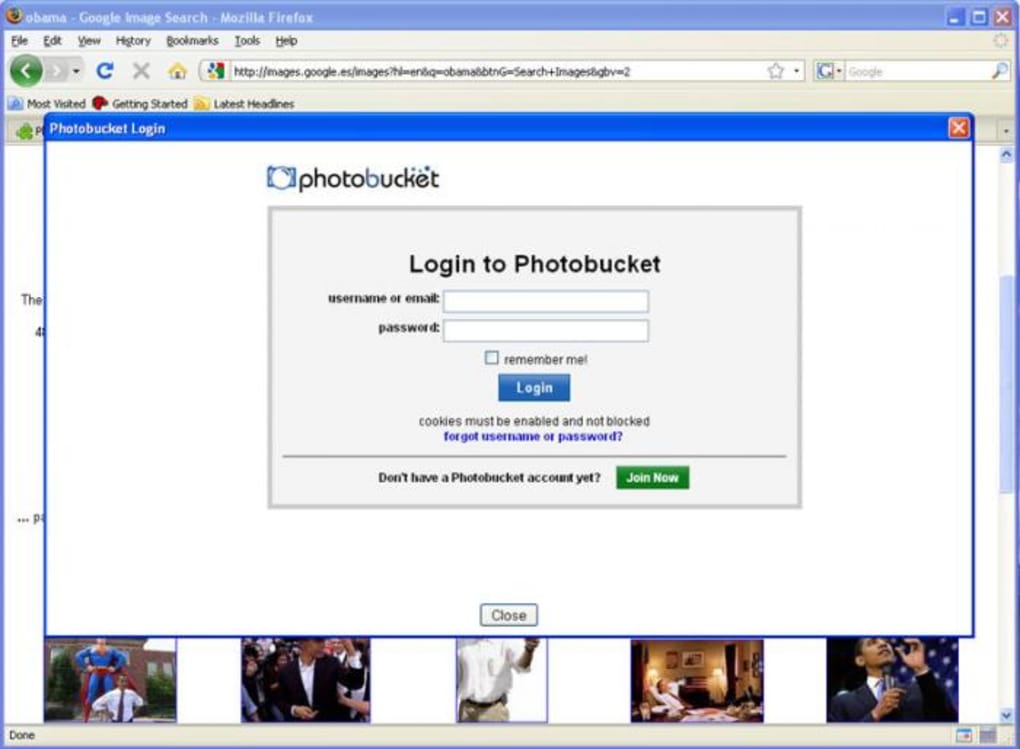
After installation, you must link the extension to your Photobucket account. Click the newly added icon, which will open a small dialog prompting you to either log in or create a new account. If you already have a Photobucket profile, simply enter your email and password; the credentials are stored securely via Firefox’s password manager. For new users, the extension provides a direct link to Photobucket’s registration page, allowing you to set up an account without leaving the browser environment.
Once you are logged in, using the uploader is as easy as right‑clicking any image on a webpage. In the context menu, select “Upload to Photobucket.” The extension instantly uploads the image to your default album (or a pre‑selected album if you have configured one in the add‑on’s options). A slim notification bar slides up at the top of the page, showing a thumbnail of the uploaded picture, a “View Image” button, and a “Copy URL” button. Clicking “View Image” opens the image on Photobucket in a new tab, while “Copy URL” places the direct link on your clipboard, ready to be pasted into blog posts, forums, or social media updates.
Compatibility
Photobucket Uploader is built on the WebExtensions API, which means it runs on every platform that supports the latest versions of Firefox. The supported operating systems include:
- Windows 7, 8, 10, and 11
- macOS Catalina and later
- Linux distributions with Firefox (Ubuntu, Fedora, Debian, etc.)
- Android devices running Firefox for Android
- iOS devices using Firefox for iOS (limited to the browser’s capabilities)
Because the add‑on does not rely on native binaries, there are no separate installers for each OS. The same extension package works across all platforms, simplifying maintenance for both users and developers. Updates are pushed automatically through Firefox’s built‑in extension update mechanism, ensuring that you always have the latest features and security patches without manual intervention.
Pros, Cons, and Frequently Asked Questions
Pros
- Seamless one‑click upload saves time and reduces clicks.
- Secure credential handling via Firefox’s password manager.
- Lightweight and does not affect browser performance.
- Free and regularly updated through Mozilla’s marketplace.
- Works on all major operating systems that support Firefox.
Cons
- No built‑in bulk upload from local hard drive.
- Lacks an in‑extension window for copying embed codes without visiting Photobucket.
- Only compatible with Firefox; users of Chrome or Edge must switch browsers for this functionality.
- Relies on Photobucket’s API; any changes on the service side may temporarily affect the add‑on.
Frequently Asked Questions
Is Photobucket Uploader free to use?
Yes, the extension is completely free. There are no hidden fees, subscription plans, or premium tiers. All core features are available to any Photobucket user.
Can I upload images directly from my computer?
Currently the add‑on only supports uploading images that are already displayed in the browser. Bulk uploads from your local hard drive are not yet implemented, though this feature is on the developer’s roadmap.
Is my Photobucket login information safe?
Yes. The extension uses Firefox’s built‑in password manager to store credentials. All communication with Photobucket is encrypted via HTTPS, ensuring that login data is never transmitted in plain text.
Which browsers are supported?
Photobucket Uploader is built for Firefox only. It works on any platform where Firefox is available, but it does not function in Chrome, Edge, or Safari.
How do I get the direct image URL after uploading?
After a successful upload, a small toolbar appears at the top of the page. Click the “Copy URL” button to place the direct link on your clipboard, ready to paste wherever you need it.
Conclusion & Call to Action
Photobucket Uploader fills a niche that many long‑time Photobucket users have been craving: a quick, secure, and free way to push images to their online albums without leaving the browser. While it lacks some advanced features like bulk local uploads or an in‑extension embed‑code generator, its core functionality works flawlessly and saves valuable time for bloggers, marketers, and casual web enthusiasts alike. If you already rely on Photobucket for image hosting, installing this Firefox add‑on is a no‑brainer. Simply click the download button below, follow the brief setup steps, and start uploading images with a single right‑click.
Download Photobucket Uploader now and experience a smoother workflow today!
Photobucket Uploader offers a highly convenient one‑click solution for uploading web images directly to your Photobucket account. The extension’s lightweight design and secure handling of credentials make it a solid choice for anyone who frequently works with online photos. Though it could benefit from bulk‑upload capabilities and a richer embed‑code interface, the current feature set delivers real value for free.
Guides & Tutorials for Photobucket Uploader
How to install Photobucket Uploader
- Click the Preview / Download button above.
- Once redirected, accept the terms and click Install.
- Wait for the Photobucket Uploader download to finish on your device.
How to use Photobucket Uploader
This software is primarily used for its core features described above. Open the app after installation to explore its capabilities.
User Reviews for Photobucket Uploader 0
No reviews found





